Quick answer
How do I calculate the right change?
Subtract the order total from the customer’s actual payment. Multiply each unit price by its quantity before adding different items together. A positive result is change; a negative result means the payment is short. Use the prices shown in your game, not the practice figures on this page.
- Original guide advice · illustrative exercises are not game data
The three numbers to keep separate
Unit price is what one item costs. Order total is the sum of each unit price multiplied by its quantity. Payment is the cash the customer actually gives you. Change = payment − order total. If payment is below the total, there is a shortfall; a negative result is not money you should hand back. Do not infer an item’s price from a customer’s payment.
Five observed unit prices; payment is a separate fact
- Coffee stick: ₱10 each. Junjun ordered one; ₱10 cash was separately observed in the recorded debt-forgiven route.
- Orange noodles: ₱9 per packet. Lucia ordered two, giving ₱18.
- Corned-beef can: ₱40 each. One can plus Lucia’s two noodle packets gave the displayed ₱58 cost.
- Mint candy: ₱1 each. Axel’s panel requested ten, so quantity × unit price gives ₱10. This calculation is not a verified paid/cost display for his order.
- Beer bottle: ₱130 each. Layla requested one. Her received payment and any change were not established by a readable paid/cost display.
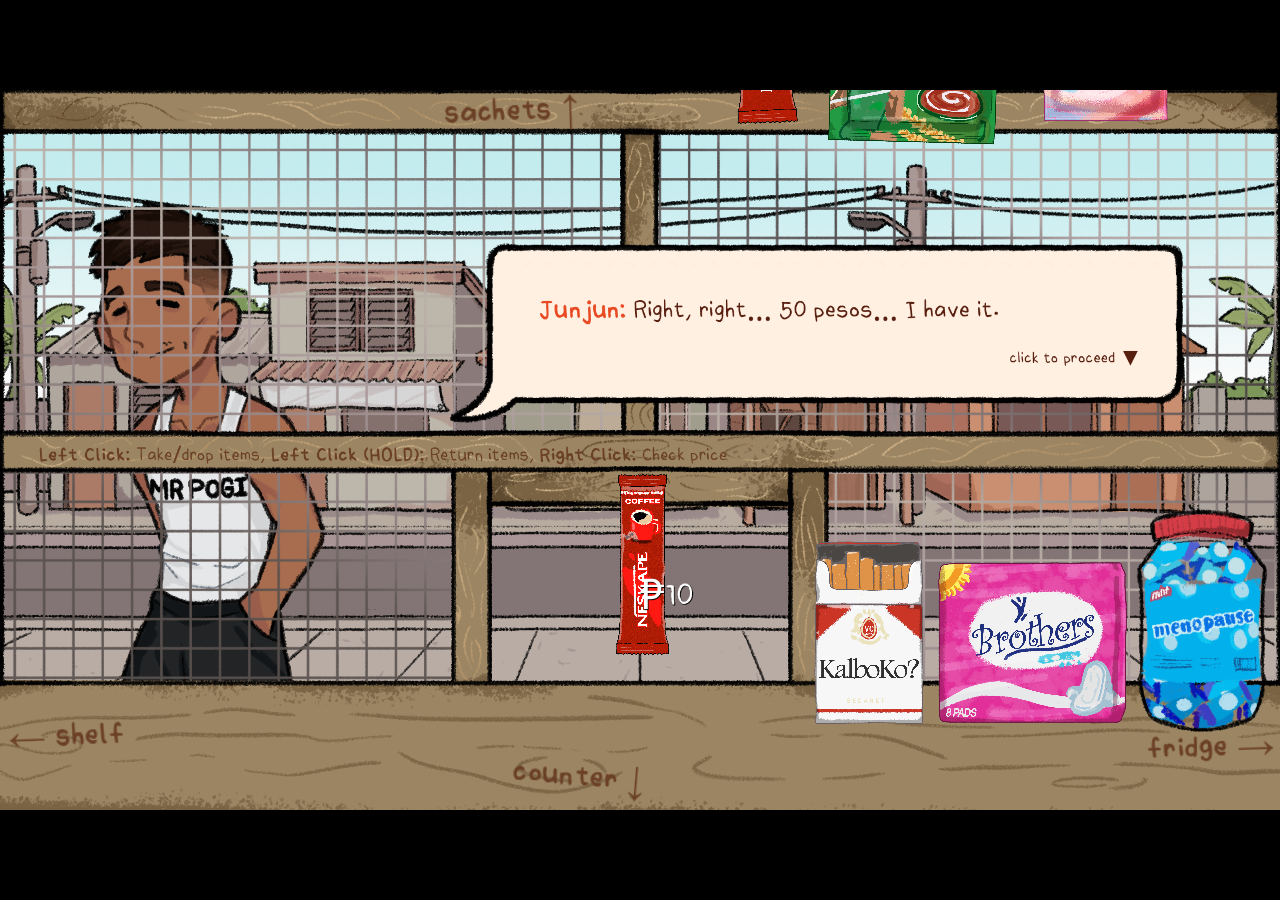
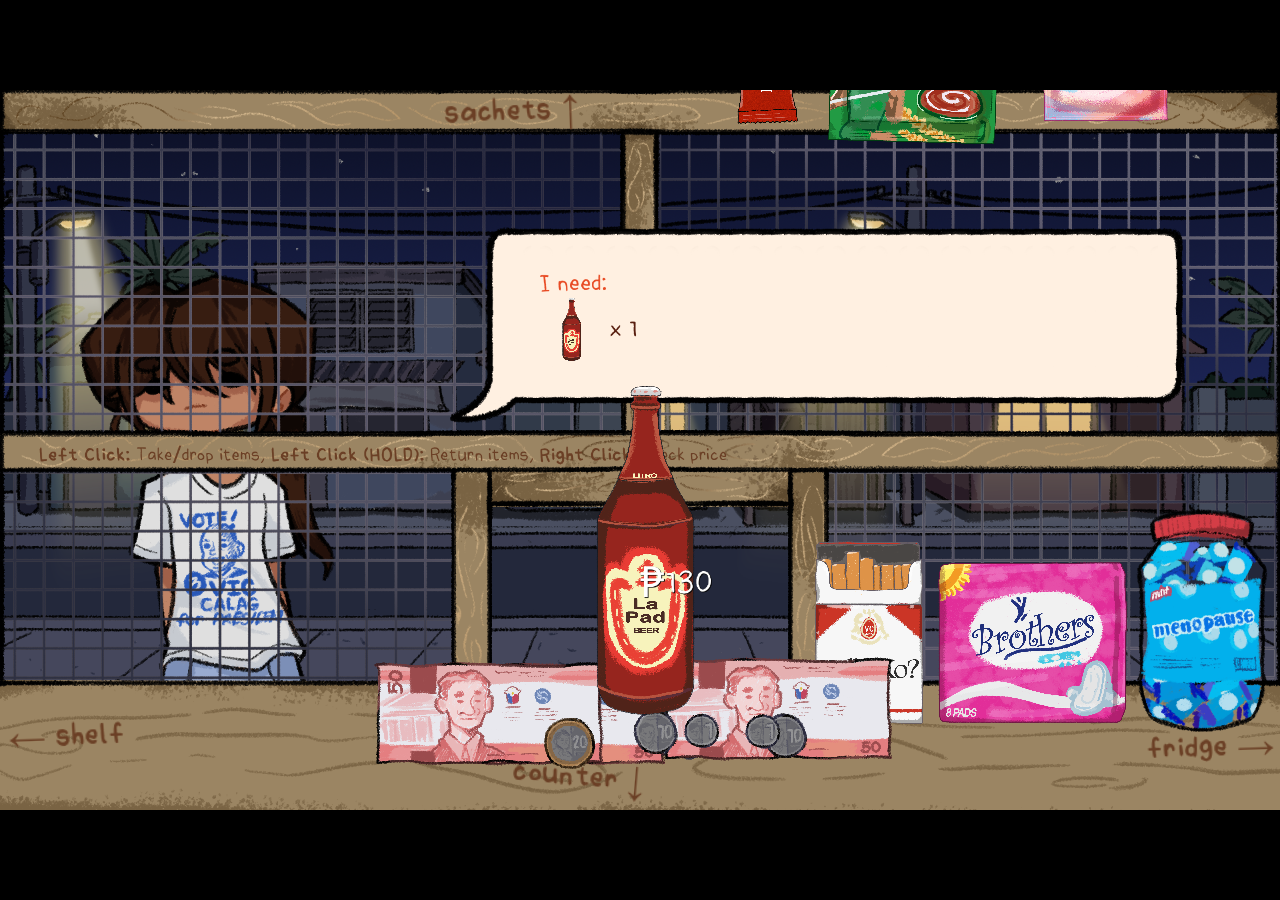
Completed checkout: Lucia’s ₱58 order and ₱42 change
Recorded on 6 October 2026 in the official HTML5 game, desktop Chromium 151 with a mouse. The completed route served Junjun, Lucia, Axel and Layla and reached the explicit DAY 2 card. No version number was visible in the menu. This is one observed Day 1 route, not a test of every dialogue branch, later day, ending, phone control or save recovery. Amounts and locations below refer to these recorded sessions.
Two noodles at ₱9 each plus one ₱40 can give ₱58. After the goods and remaining dialogue, the game displayed payment of ₱100 and cost ₱58. The subtraction is ₱100 − ₱58 = ₱42. The captures below are from the earlier 6 October session; the later completed Day 1 route confirmed the same cost, payment and change.
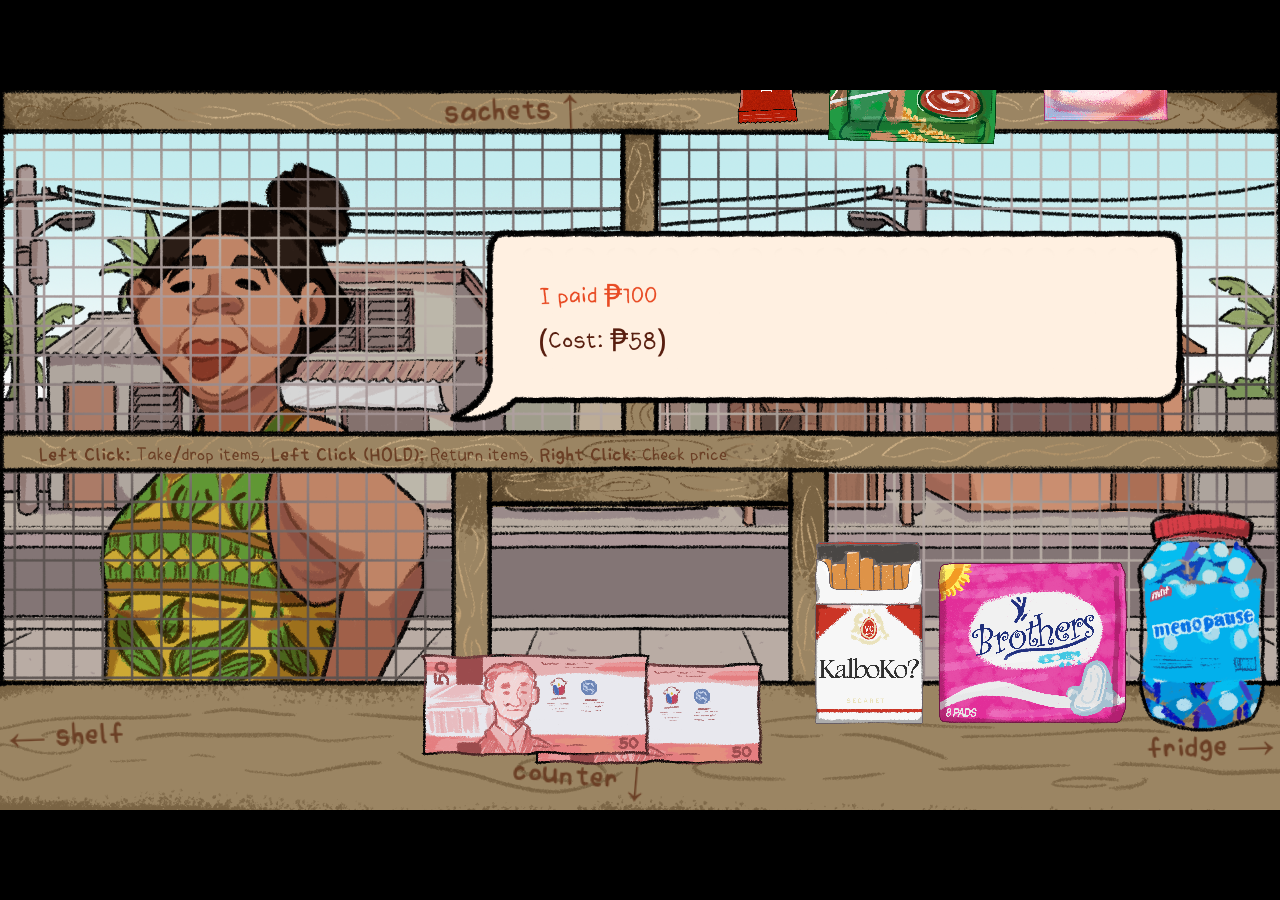
- Collect the cash actually shown in your session and store each held denomination in its matching till slot. The earlier capture shows two ₱50 notes; the later run used different cash denominations, so do not assume that exact arrangement always repeats.
- Collect two ₱20 coins, return to the serving opening and give ₱40.
- Return to the till, collect two ₱1 coins and give the final ₱2. Deliver one denomination group before collecting the next.
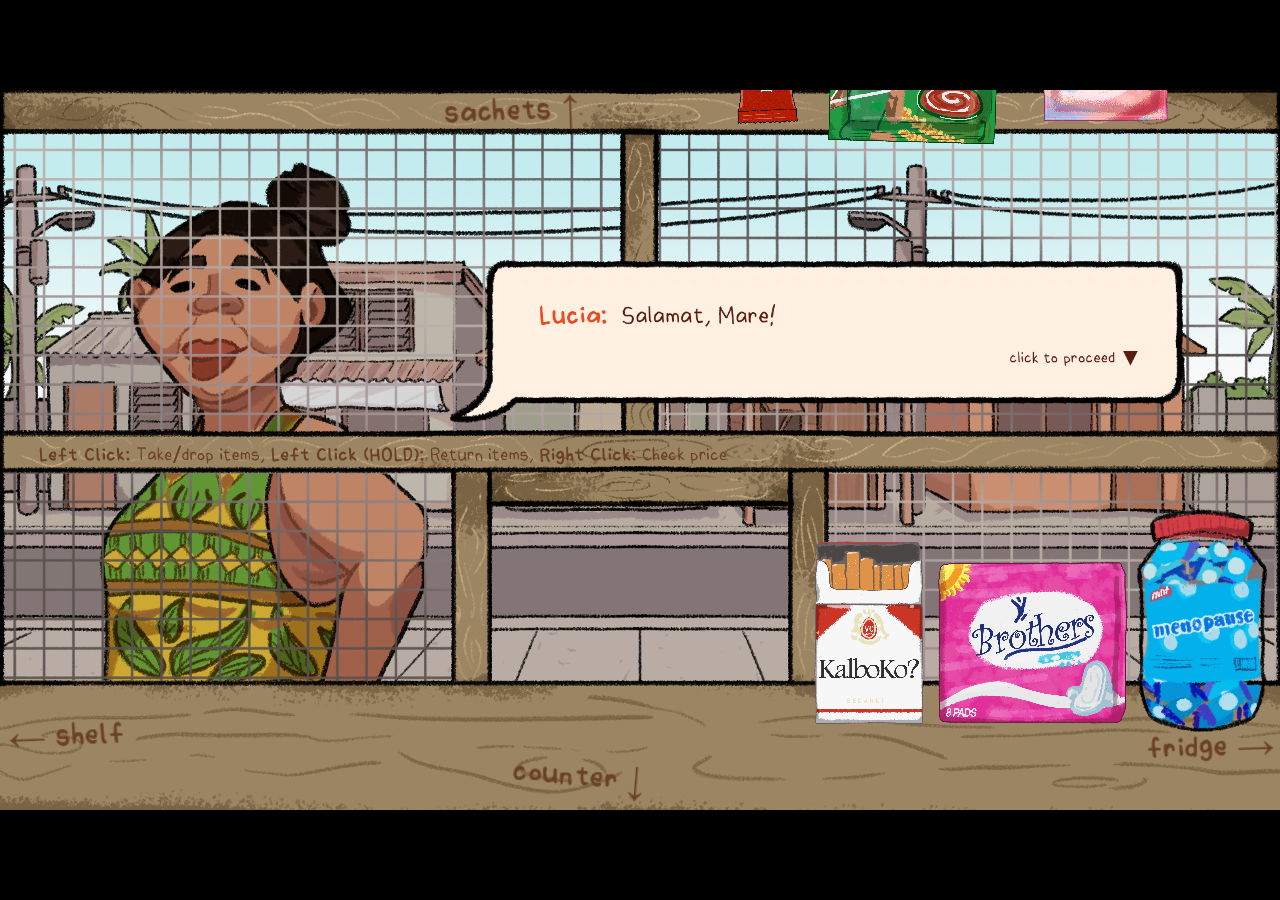
- The amount prompt disappeared and Lucia thanked the shopkeeper after all ₱42 was handed over.
This is a completed denomination sequence, not proof that it is the only valid split. Neither Axel’s nor Layla’s unit-price screenshot supplies a verified payment amount.
Worked practice examples
- Example A: one practice item costs ₱8 and the customer pays ₱50. The change is ₱42. A possible arithmetic split is 20 + 20 + 1 + 1, but use only denominations actually available in the game.
- Example B: two practice items at ₱12 each cost ₱24. A ₱50 payment leaves ₱26 change.
- Example C: a ₱35 total with a ₱20 payment is ₱15 short.
- These are invented arithmetic exercises, not an official product price list or a claimed customer order.
Count once, check once
Start with the displayed total rather than memory. Count the coins or notes you select, then check that their sum equals the required change before handing them over. If the sale still does not finish, check the goods and quantity too: a correct change calculation cannot fix a wrong item. The calculator below works only with numbers you enter; it cannot read or control the game.
₱ / Change calculator
Change calculator
Practice tool. Enter the actual values from your game; no preset here is an official price.
Change to return = Customer payment (₱) − Order total (₱)
Sources and recorded scope
Official browser game operated on 6 October 2026. The preserved session includes the four customers, price inspections, Lucia’s checkout, the DAY 2 card and the next-day arrival. Selected original screenshots illustrate these actions; no game executable, installer or resource package is distributed here.
Source and editorial policy